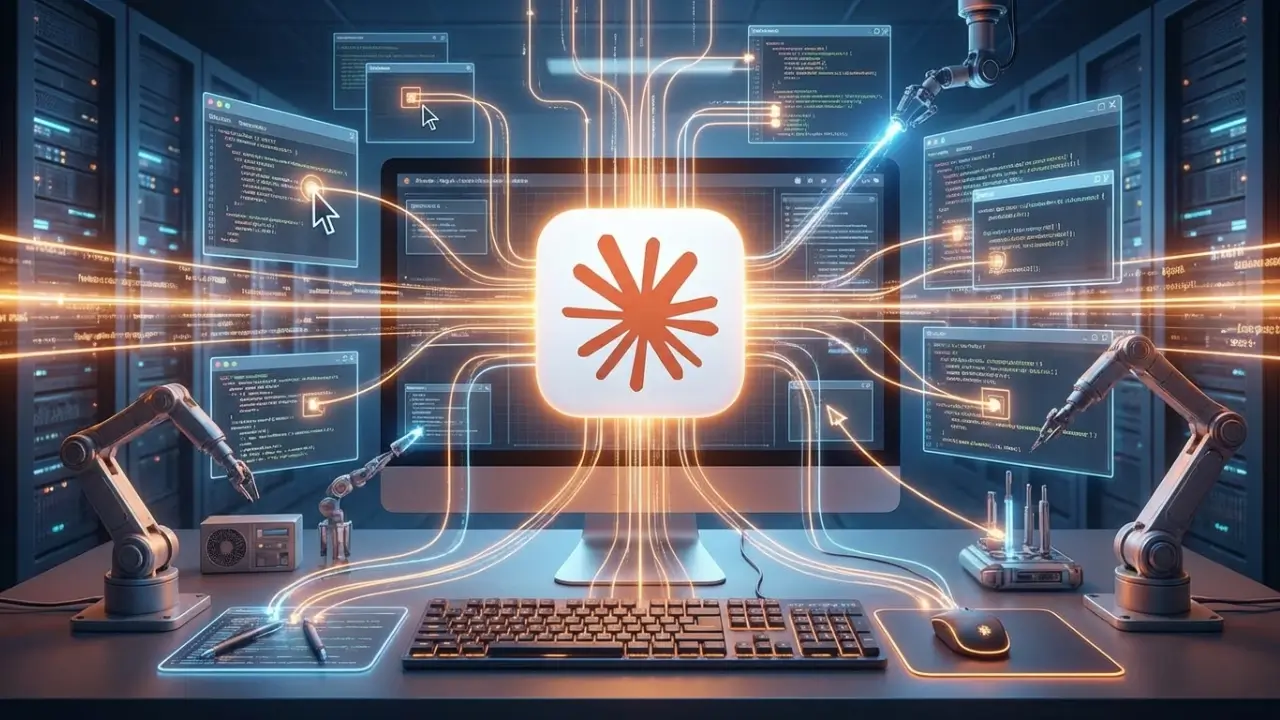
Claude Computer Control: 100 % Powerful AI Breakthrough
Artificial intelligence is no longer limited to generating text or analyzing data. A new shift is happening where AI moves beyond the chat window and starts interacting directly with your computer opening apps, navigating files, and completing real tasks on your behalf in real time.
Anthropic’s Claude has recently introduced computer control capabilities that blur the line between AI assistant and autonomous agent. This revolutionary AI computer control technology isn’t science fiction anymore. It’s happening now, and it’s worth understanding what this means for productivity, security, and the future of human-AI collaboration.
What is Claude Computer Control?
Claude computer control represents a breakthrough in artificial intelligence capabilities. At its core, Claude CC technology allows AI to:
- Navigate graphical user interfaces (GUIs) like a human would—moving a cursor, clicking buttons, and typing text across any application
- See what’s on your screen through advanced visual perception, understanding the layout and content of applications in real-time
- Execute multi-step workflows across different software without requiring complex API integrations or custom code
- Perform repetitive tasks that would normally consume hours of human time, from data entry to research compilation
- Work within your existing software ecosystem without the need for custom integrations, plugins, or expensive enterprise solutions
Unlike traditional automation tools that require specific configuration or programming knowledge, Claude’s computer control can understand natural language instructions and adapt to whatever applications you’re using. This democratizes automation for organizations of all sizes.
Related Reading: For more on AI automation, see Anthropic’s official Claude documentation
5 Real-World Applications of Claude Computer Control
1. Data Entry and Transfer with Claude Computer Control
One of the most time-consuming aspects of any business is manual data entry. Claude computer control transforms this workflow entirely.
Imagine you have a spreadsheet of customer information that needs to be entered into a CRM system. Instead of manually copying and pasting each entry a process that could take hours you could tell Claude’s computer control capabilities: “Enter all the customer data from this spreadsheet into our sales system.”
Claude would handle the task end-to-end, navigating both applications, validating data accuracy, and ensuring consistency across systems. This single use case alone can save teams 10-15 hours per week.
[Insert Screenshot: Before/After Data Entry Process] Alt text: Comparison showing manual data entry vs Claude CC automation
2. Research and Information Gathering using Claude Computer Control
Research tasks that typically require hours of manual work can be significantly accelerated with Claude’s computer control features. Your AI assistant can:
- Browse multiple websites and extract relevant information without human intervention
- Compile findings into organized documents with proper formatting
- Cross-reference data from different sources automatically
- Create comprehensive summaries without requiring human review of raw data
- Identify gaps and inconsistencies in research data
This application of Claude computer control is particularly valuable for competitive analysis, market research, and due diligence processes.
Related Reading: Learn about AI research automation trends
3. Administrative and Routine Work with Claude Computer Control
The most promising use case for many organizations is administrative automation powered by Claude’s computer control capabilities. These routine tasks include:
- Email management, categorization, and response drafting
- Scheduling and calendar organization across multiple team members
- Report generation from multiple data sources and systems
- Document preparation, formatting, and distribution
- Invoice processing and expense tracking
Organizations implementing Claude CC for administrative tasks report productivity gains of 20-30% in administrative departments.
4. Quality Assurance and Testing with Claude Computer Control
QA teams can leverage Claude’s computer control to perform:
- Regression testing across software interfaces automatically
- User acceptance testing (UAT) workflows without manual intervention
- Consistency checks across multiple applications
- Bug documentation with screenshots and detailed descriptions
- Cross-browser compatibility testing
Claude computer control doesn’t get fatigued, making it ideal for repetitive QA processes that typically experience human error.
5. Content Creation and Publishing with Claude Computer Control
Content creators and marketing teams benefit significantly from Claude’s computer control capabilities:
- Format and publish content across multiple platforms simultaneously
- Resize and optimize images automatically for different platforms
- Update metadata and SEO elements across publishing systems
- Schedule posts and manage publishing workflows
- Manage content calendars and track performance metrics
This application of Claude CC is particularly valuable for agencies managing multiple client content calendars.
How Claude Computer Control Technology Works
Understanding how Claude computer control works is essential to maximizing its potential. Claude’s computer control technology relies on several key components working in concert:
Visual Understanding in Claude CC
Claude CC uses advanced computer vision to interpret what’s displayed on your screen. It can recognize buttons, text fields, images, and layout structures—essentially “reading” the UI the way a human would. This visual foundation is critical to Claude’s computer control effectiveness.
Task Decomposition with Claude CC
When you give Claude computer control a complex task, it breaks it down into smaller, manageable steps. Instead of trying to solve everything at once, Claude’s computer control reasons through the sequence of actions needed, ensuring logical progression through multi-step workflows.
Adaptive Learning in Claude Computer Control
Claude CC can handle variations in UI design. If a button location differs slightly or a menu structure changes, Claude’s computer control can still recognize and interact with the interface. This adaptability is what makes Claude CC superior to rigid automation scripts.
Error Handling and Verification
Importantly, Claude’s computer control can detect when something goes wrong and take corrective action. If a click didn’t register or a webpage didn’t load, Claude computer control recognizes this and adjusts accordingly.
Key Benefits of Claude CC
Dramatic Time Savings with Claude CC
For knowledge workers, Claude’s computer control capabilities could mean reclaiming 5-10 hours per week currently spent on repetitive tasks. Multiply that across an organization, and Claude computer control delivers significant productivity gains.
A company with 50 employees saving 7 hours weekly on administrative tasks recovers 350 work hours per week—equivalent to 9 full-time employees—through Claude computer control implementation.
Reduction of Human Error
Claude CC doesn’t get tired or distracted. It executes tasks consistently, following the exact instructions provided. For high-stakes operations, this reliability that Claude’s computer control provides is invaluable and often impossible to achieve with human workers.
Democratization of Automation
Previously, automation required technical expertise. You needed to hire developers or engineers to build custom solutions. Now, Claude’s computer control means anyone can describe a task in natural language and have it automated—no coding required.
This democratization of Claude computer control means small businesses can compete with enterprises that previously had sophisticated automation infrastructure.
Cost Efficiency of Claude CC
Rather than maintaining expensive custom integrations between multiple SaaS tools, organizations can leverage Claude’s computer control general-purpose capabilities. This reduces the need for expensive integration specialists and custom development.
Scalability Without Infrastructure
You don’t need to build complex systems or maintain infrastructure to scale Claude CC. The capability scales instantly without additional engineering investment, making Claude’s computer control particularly attractive for growing organizations.
Related Resource: Explore Anthropic’s Claude API pricing
Current Limitations of Claude Computer Control
It’s important to be realistic about current limitations of Claude CC :
Security and Privacy Concerns
When Claude computer control accesses your screen, it means exposing potentially sensitive information. While Anthropic implements safeguards, this limitation of Claude’s computer control remains a valid concern that organizations need to address carefully.
Complex Decision-Making
Claude CC is better suited for well-defined, repeatable tasks. Tasks requiring nuanced judgment, creative thinking, or real-time decision-making in ambiguous situations remain better handled by humans despite Claude’s computer control capabilities.
Long-Running Sessions
For extremely long or complex workflows spanning hours, there are limitations to Claude CC . Current implementations of Claude’s computer control work best for focused, achievable tasks rather than marathon sessions.
Specialized Software Compatibility
While Claude CC works with most standard applications, highly specialized or proprietary software might not be fully compatible with Claude’s computer control features.
Real-World Interactions Beyond Claude CC
Claude CC can control computers but can’t make phone calls, send physical documents, or interact with the physical world directly—a fundamental limitation of screen-based Claude CC technology.
Security & Ethical Considerations
The introduction of AI with Claude CC capabilities raises important questions:
Data Privacy
When Claude CC can see your screen, what safeguards prevent it from accessing sensitive information beyond the scope of the task? Organizations must establish clear data governance policies when implementing Claude’s computer control.
Audit and Accountability
How do organizations track what Claude CC has done on their systems? What audit trails exist for compliance purposes? Claude’s computer control implementations require robust logging and monitoring infrastructure.
Misuse Prevention
Could Claude CC technology be misused for unauthorized access or malicious purposes? This security consideration is critical when deploying Claude’s computer control at scale.
Worker Displacement from Claude Computer Control
While Claude computer control productivity tools benefit organizations, we must consider the impact on workers whose jobs involve repetitive administrative tasks affected by Claude’s computer control automation.
Anthropic’s Approach to Claude Computer Control Safety:
Anthropic has thoughtfully addressed concerns about Claude computer control by implementing features like:
- Clear user consent and control over what Claude computer control can do
- Transparency in Claude’s computer control actions and decision-making
- User ability to halt or override Claude computer control operations immediately
- Privacy protections for sensitive information during Claude computer control sessions
However, organizations implementing Claude’s computer control should develop clear policies around deployment and use.
Related Reading: Anthropic’s Safety and Policy Documentation
Implementation Guide for Claude Computer Control
If you’re considering using Claude’s computer control capabilities, here’s a practical implementation approach:
Phase 1: Identify Suitable Tasks for Claude Computer Control
Look for tasks ideal for Claude computer control that are:
- Repetitive and time-consuming across your organization
- Well-defined with clear, documented steps
- Low-risk in terms of potential impact if done incorrectly
- Currently done manually or through complex integrations
Claude computer control is not ideal for high-stakes decisions, but perfect for routine operational tasks.
Phase 2: Start Small with Claude Computer Control Pilot
Begin with a pilot project testing Claude’s computer control. Perhaps automating report generation or data entry. This lets you understand the technology’s capabilities and limitations in your specific context.
A small pilot with Claude computer control typically takes 2-4 weeks and costs minimal resources.
Phase 3: Build Organizational Knowledge Around Claude Computer Control
Document what works with Claude’s computer control. Create libraries of useful prompts and workflows for Claude computer control. Share learnings across teams about what Claude’s computer control does well and where it struggles.
Phase 4: Scale Claude Computer Control Strategically
Once you understand what works, expand Claude computer control automation to more critical processes, but do this thoughtfully with appropriate safeguards and oversight for Claude’s computer control operations.
Phase 5: Monitor and Optimize Claude Computer Control
Continuously evaluate Claude computer control performance. Are tasks being completed accurately? Are there unexpected issues? Use this feedback to refine your Claude computer control approach and maximize ROI.
The Future Landscape of Claude Computer Control
Claude computer control is just the beginning of a larger trend in AI capabilities. Looking ahead, we can expect:
- Increasingly sophisticated task handling with Claude’s computer control as the technology matures
- Better integration with specialized software through expanded Claude computer control compatibility
- Enhanced security protocols for Claude’s computer control addressing privacy and compliance requirements
- Broader adoption of Claude computer control across industries, from finance to healthcare to creative services
- New job categories emerging around managing and directing AI agents like Claude’s computer control
- Regulatory frameworks developing to govern Claude computer control system access to computers
The technology that seemed like science fiction a few years ago is now a practical tool. Organizations that understand Claude’s computer control capabilities and limitations will gain competitive advantages. Those that ignore Claude computer control risk falling behind.
Conclusion
Claude computer control represents a watershed moment in AI development. It’s not about replacing humans—it’s about freeing them from repetitive work to focus on higher-value activities.
This technology isn’t perfect. It has limitations, raises legitimate security concerns, and requires thoughtful implementation. But for organizations willing to adopt Claude CC responsibly, the potential benefits in productivity, accuracy, and cost reduction are substantial.
The question isn’t whether Claude CC will become mainstream. It’s how quickly your organization will adapt to harness its potential.